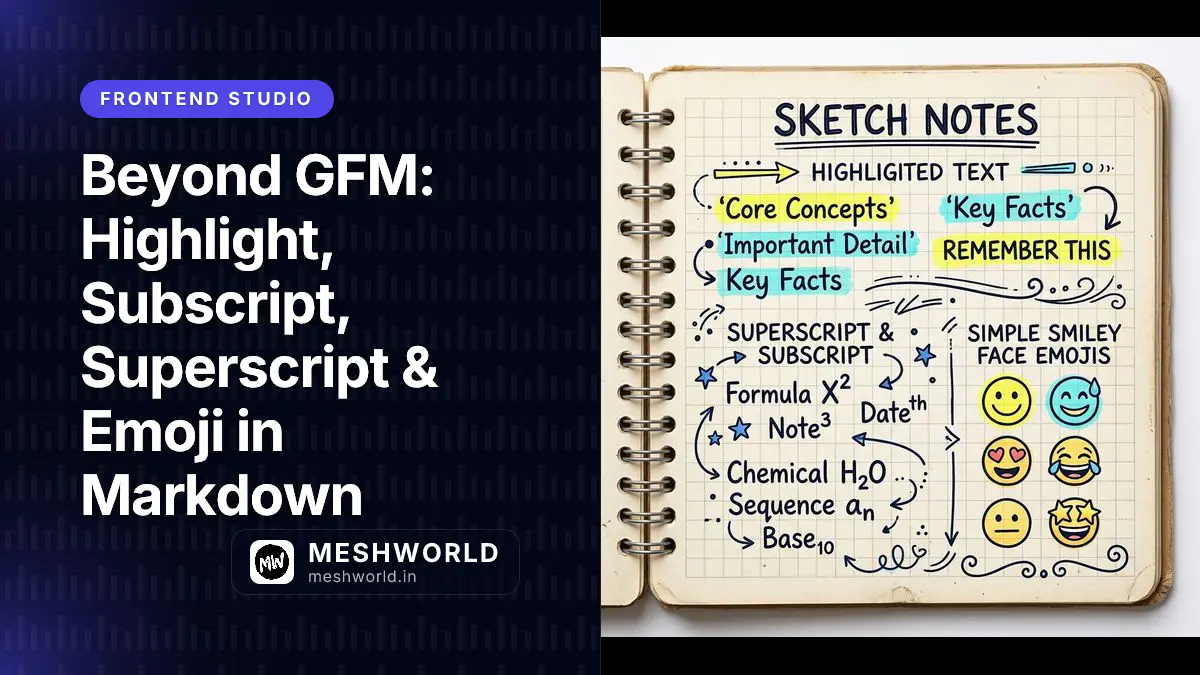
This series has covered CommonMark’s core syntax and GitHub-Flavored Markdown’s most common extensions, like tables and task lists. Beyond those two standards, a handful of other syntax extensions have become common enough to expect on many platforms, even though none of them are officially part of GFM. This guide covers highlight, subscript, superscript, and emoji shortcode syntax, and is upfront about the fact that all four depend on plugin support rather than being guaranteed to work everywhere.
How Do I Highlight Text in Markdown?
Wrap text in double equals signs (==) to mark it as highlighted, similar to how a highlighter pen would mark printed text.
This is ==highlighted text== in a sentence.On a renderer that supports this extension, it displays with a highlight background:
This is <mark>highlighted text</mark> in a sentence.How Do I Write Subscript and Superscript?
Wrap text in single tildes (~) for subscript, or single carets (^) for superscript.
Water is H~2~O.
The formula is E = mc^2^.
On a supporting renderer, this displays with the wrapped text shifted below or above the baseline:
Water is H<sub>2</sub>O.
The formula is E = mc<sup>2</sup>.How Do I Write Emoji Shortcodes?
An emoji shortcode wraps a name in colons, like :tada: or :rocket:. Platforms that support shortcodes convert them into the matching emoji character.
Great work team! :tada: :rocket:On GitHub and similar platforms, this renders as:
Great work team! 🎉 🚀
Why Do These Extensions Need Plugins?
CommonMark and GFM both define fixed, versioned specifications. Anything outside those specs, including all four features in this article, is implemented independently by whichever tool renders your Markdown: a static site generator’s remark/rehype plugin chain, an editor like Obsidian, or a platform like GitHub. That means the exact same source file can render differently depending on where it’s viewed.
Summary Checklist
==text==highlights text, on renderers that support it.~sub~is subscript;^sup^is superscript. Don’t confuse subscript with GFM’s double-tilde strikethrough.:shortcode:renders as an emoji on platforms that recognize the name.- All four are non-standard extensions, not part of CommonMark or GFM.
- Test on your actual target platform before relying on any of these in published content.
Frequently Asked Questions
Will these render correctly on GitHub?
Partially. GitHub supports emoji shortcodes in issues, pull requests, and README files, but does not support the highlight, subscript, or superscript syntax shown here.
What happens if my renderer doesn’t support one of these?
The raw syntax characters print literally. ==text== shows as ==text==, ~sub~ shows as ~sub~, and so on, since there’s no fallback behavior defined for unsupported extensions.
Is there a standard emoji list I should stick to?
Not universally. Different platforms maintain their own shortcode lists (GitHub’s set differs slightly from Slack’s or Discord’s), so a shortcode that works on one platform may not exist on another.
What to Read Next
- Markdown Emphasis Guide: Bold, Italic, and Strikethrough — Review GFM’s official strikethrough syntax alongside this article’s non-standard extensions.
- Using Raw HTML Inside Markdown — See the fallback option (
<mark>,<sub>,<sup>) for when your renderer doesn’t support these shortcuts.