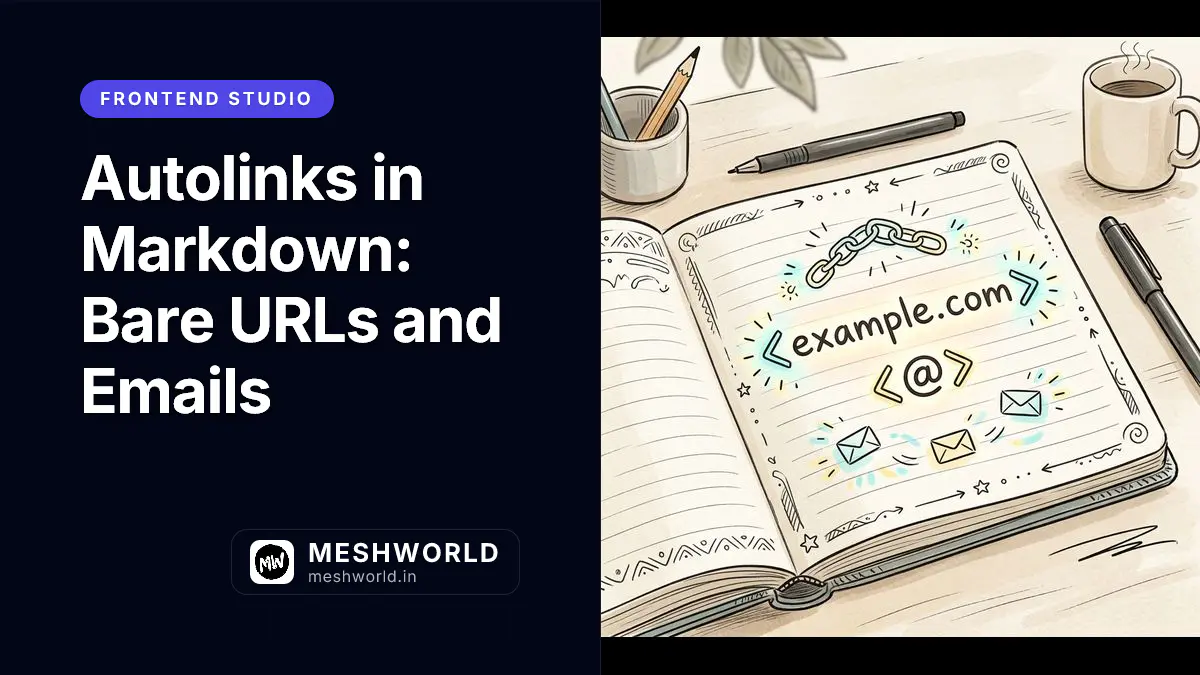
The links guide in this series covers angle-bracket autolinks (<https://example.com>), but that’s only half the story. GitHub-Flavored Markdown adds a second, more permissive form that turns plain, unbracketed URLs and email addresses into clickable links automatically. This guide covers both forms side by side and explains where the line between them sits.
What Is a Strict CommonMark Autolink?
A strict autolink wraps a URL or email address in angle brackets. It’s part of core CommonMark, so it works consistently across virtually every Markdown renderer.
<https://meshworld.in/>
<hello@meshworld.in>
In this MDX page, the equivalent rendered links use MDX-compatible Markdown syntax:
The requirement is strict: the content between the brackets must be a valid absolute URI or email address with no spaces, or the parser won’t treat it as a link.
What Is a GFM Extended Autolink?
GitHub-Flavored Markdown recognizes certain patterns even without angle brackets. Plain text starting with http://, https://, or www., along with plain email addresses, are automatically converted into links.
Visit https://meshworld.in/ or www.meshworld.in for more.
Contact us at hello@meshworld.in with questions.
This renders as:
Visit https://meshworld.in/ or www.meshworld.in for more. Contact us at hello@meshworld.in with questions.
How Does Trailing Punctuation Get Handled?
GFM’s extended autolink matching is careful about where a URL ends. Trailing punctuation that’s more likely to be sentence punctuation than part of the URL, such as a period, comma, or closing parenthesis, is excluded from the link.
Check out https://meshworld.in/blog. It's a good read.This renders with the period left out of the link:
Check out https://meshworld.in/blog. It’s a good read.
When Should I Use Angle Brackets Instead of a Bare URL?
Use angle-bracket autolinks (<url>) when you need guaranteed, consistent behavior across renderers that may not support GFM extensions, or when the URL contains characters that could confuse bare-text matching. Use bare URLs when you know your content will render on GFM-aware platforms like GitHub, GitLab, or an Astro site using remark-gfm.
Summary Checklist
- Angle-bracket autolinks (
<url>) are core CommonMark and work everywhere. - Bare
http://,https://, andwww.text becomes a link automatically, but only under GFM. - Bare email addresses are also auto-linked under GFM, the same as angle-bracket email autolinks.
- Trailing sentence punctuation is excluded from the generated link automatically.
- Confirm GFM support in your renderer before relying on bare-URL autolinking.
Frequently Asked Questions
Does a bare URL need “www.” or “http(s)://” to be recognized?
Yes, under GFM. A domain written without either, like meshworld.in, is not recognized as an autolink and renders as plain text.
Can I disable autolinking for a specific URL I don’t want turned into a link?
Yes, escape it or wrap it in a code span. Writing the URL inside backticks (`www.meshworld.in`) keeps it as literal text rather than an active link.
Are autolinks the same as reference-style links?
No. Autolinks generate both the link text and destination from a single URL or email address, while reference-style links let you write custom link text and resolve the destination from a separate definition elsewhere in the document.
What to Read Next
- How to Create Links in Markdown — Learn the strict angle-bracket autolink syntax this article builds on.
- Escaping Special Characters in Markdown — See how to stop a character or URL from being parsed as syntax.