Markdown intentionally covers only a small set of formatting needs. The moment you need something it doesn’t offer, such as centering an image, opening a link in a new tab, or hiding a note from readers, the fallback is plain HTML. Both links/index.mdx and images/index.mdx in this series already point to raw HTML for exactly those cases. This guide explains the actual rule that makes that work: when Markdown parsers recognize HTML tags and pass them through untouched.
How Does Markdown Recognize Raw HTML?
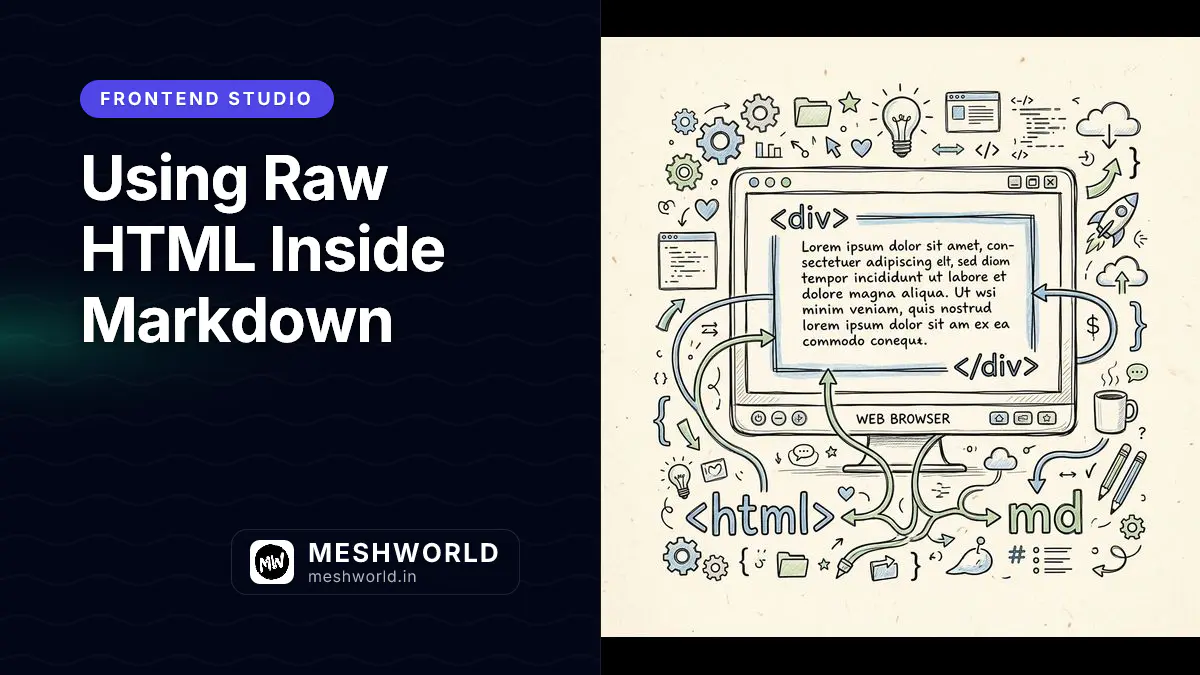
CommonMark defines a fixed set of recognized HTML tags and patterns. When the parser encounters one, it copies it into the output as-is instead of escaping it as plain text.
This sentence has <strong>inline HTML</strong> mixed into it.This renders as:
This sentence has inline HTML mixed into it.
Without that recognition, angle brackets would just print literally, the same way they do in ordinary prose about code (like the <div> example earlier in this series).
What Is the Difference Between Inline and Block HTML?
Inline HTML sits inside a line of regular Markdown text, like the <strong> example above. Block HTML is a standalone HTML element that takes up its own section, such as a <div> wrapping several lines of content.
<div style="text-align: center;">

</div>This renders as a centered block:
<div style="text-align: center;">
  <img src="./logo.png" alt="Company logo" />
</div>Does Markdown Syntax Work Inside an HTML Block?
By default, no. Once the parser enters an HTML block, it stops processing Markdown syntax until the block ends. Text inside renders exactly as written, asterisks and all.
<div>
  This **will not** become bold inside a raw HTML block.
</div>
There’s one common exception worth knowing: leaving a blank line directly after the opening tag (like the centered image example above) causes some parsers, including the remark/rehype pipeline Astro’s MDX uses, to treat the inner content as regular Markdown again. Behavior here varies by tooling, so test it in your own setup rather than assuming.
How Do I Hide Content With an HTML Comment?
An HTML comment (<!-- -->) is valid HTML passthrough, and most Markdown renderers strip it from the output entirely rather than displaying it.
<!-- TODO: add a diagram here before publishing -->

This paragraph is visible, but the comment above it is not.
This renders as:
This paragraph is visible, but the comment above it is not.
When Should I Reach for Raw HTML Instead of Markdown?
Reach for HTML only when Markdown genuinely has no equivalent: image resizing, centering content, opening links in a new tab, or adding attributes like class or id. For everything else (emphasis, links, lists, tables) stick to plain Markdown. Mixing HTML in where Markdown syntax already works makes source files harder to read and edit.
Summary Checklist
- Inline HTML (like
<strong>or<a>) works anywhere inside a line of Markdown text. - Block HTML (like
<div>) needs a blank line before and after to parse correctly. - Markdown syntax is suppressed inside a raw HTML block by default.
- HTML comments (
<!-- -->) hide content from the rendered page without deleting it from the source. - Reach for HTML only when Markdown has no equivalent syntax for what you need.
Frequently Asked Questions
Is raw HTML safe to use in every Markdown renderer?
Not always. Some platforms and static-site generators sanitize or strip HTML for security reasons (to prevent script injection from untrusted content), so behavior depends on your specific tooling and its sanitization settings.
Can I use HTML attributes like class or id on Markdown elements?
Not on native Markdown syntax directly. To add a class or ID, you generally need to write the element as raw HTML instead, or use an extension specific to your renderer (some support a {.class #id} attribute syntax).
Does MDX treat HTML differently from plain Markdown?
Yes, somewhat. MDX compiles HTML-looking tags as JSX, so components and raw HTML both get parsed by a JSX-aware compiler rather than a plain HTML parser, though standard tags like <div> and <strong> still render the same way visually.
What to Read Next
- Images in Markdown: Complete Guide — See the centered-image and resizing use cases that motivated this article.
- How to Create Links in Markdown — Learn the
target="_blank"case where raw HTML fills a real Markdown gap.