Python is one of the most popular programming language with huge community & large organization supporting, using it. According to PYPL PopularitY of Programming Language, Python is ranked 1st again in 2021, recently analyzed in June 2021.
Python accepts multiple option on command line and one such option provides version that is being used.
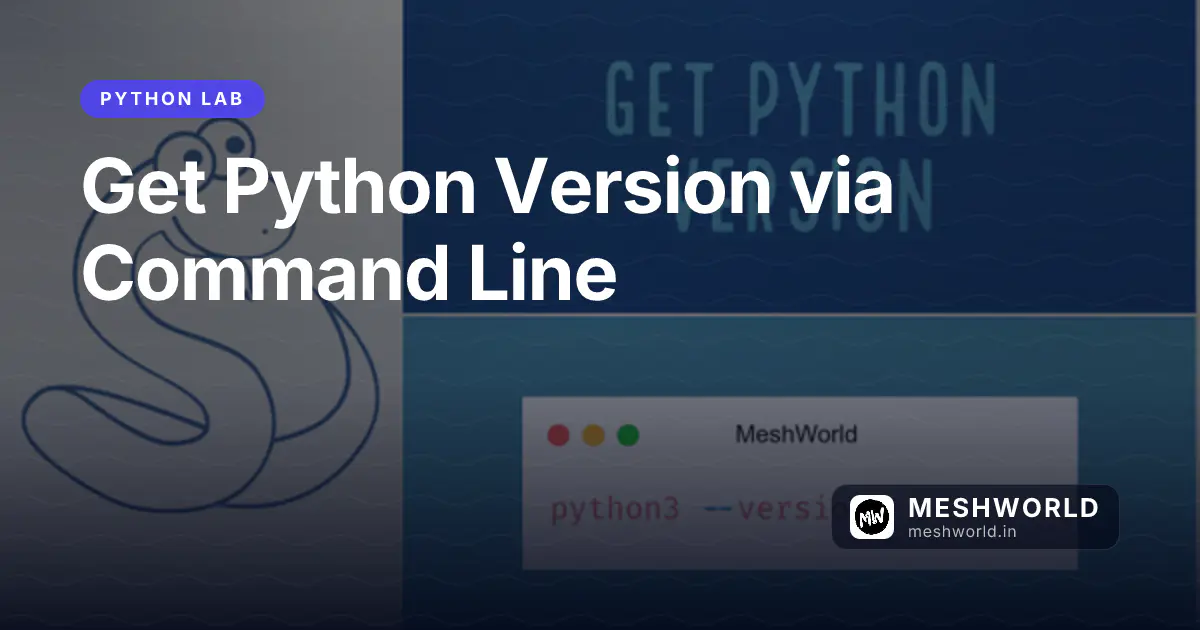
In this article, we use --version option to retrieve current Python version being used by your operating system using the command line. This can be useful while developing or installing applications that require a specific version of Python.
Get Python Version with --version option
It display version of Python supported by your system. If you’re using Python 2 then you need to use python instead of python3 that is being used for Python 3.
Syntax
python3 --versionPython 3.8.5Python follows semantic versioning. The releases are versioned in the following manner:
MAJOR.MINOR.PATCHAs per the output of Python 3.8.5, 3 is a major version, 6 is a minor version, and 8 is a patch version.
- MAJOR: Python has two major versions and both of them are not compatible, Python 2 and Python 3. For example, 3.6.7, 3.8.0, and 3.8.5 are release of the Python 3 major version.
- MINOR: These releases includes new features and functions. Release such as 3.8.3, 3.8.4, and 3.8.5 are all part of the Python 3.8 minor version.
- Patch: The new patch release contain bug fixes and improvements.
You can use python3 command to enter interactive mode and in first line python version will be specified.
Happy 😄 coding
With ❤️ from 🇮🇳