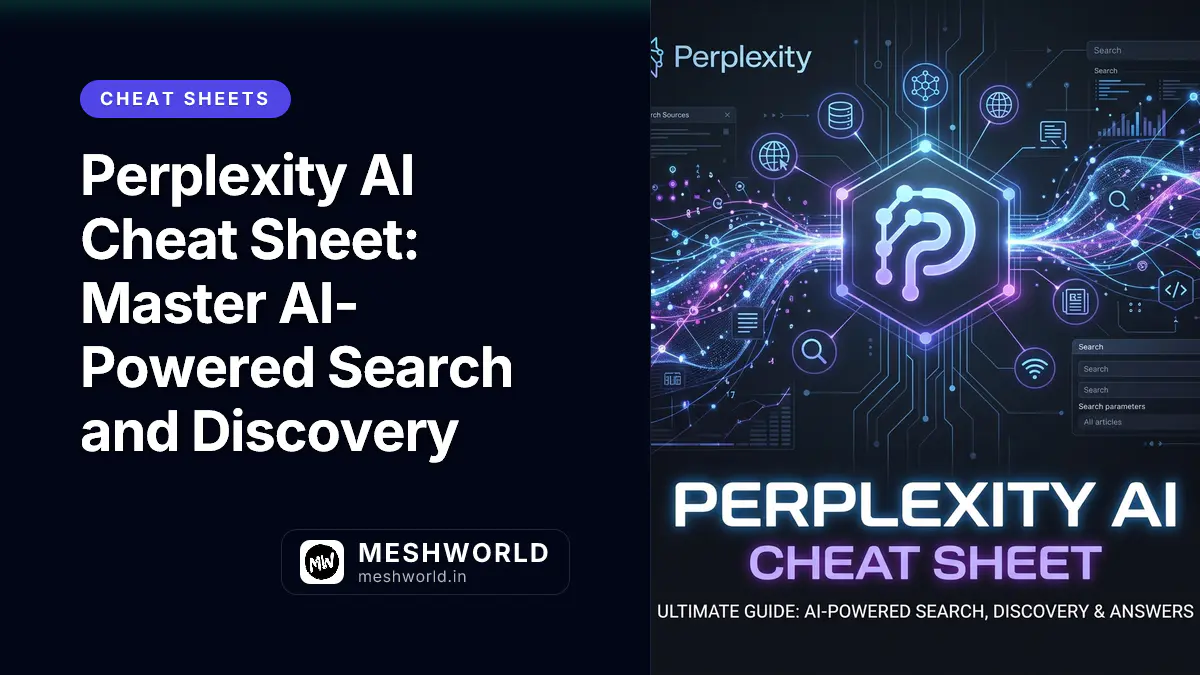
Are you still using traditional search engines for complex research? Perplexity AI has redefined discovery by combining real-time web access with advanced LLMs. This cheat sheet will help you master Pro Search, utilize focus modes, and organize your research like a pro.
How do I use Perplexity Focus Modes effectively?
Perplexity isn’t just a general chatbot. By using Focus Modes, you can tell the AI exactly where to look for information, saving you from sifting through irrelevant results.
| Focus Mode | Best Used For |
|---|---|
| All | Default web-wide search for general queries. |
| Academic | Searching peer-reviewed papers and scholarly articles. |
| Writing | Generating text or code without searching the web. |
| WolframAlpha | Solving complex math, physics, or data calculations. |
| YouTube | Finding specific timestamps or summaries within videos. |
| Looking for community opinions and real-world experiences. |
What is Pro Search and when should I use it?
Unlike the standard search which provides a direct answer, Pro Search (formerly Copilot) acts as a research assistant. It asks clarifying questions and performs multiple searches to build a comprehensive answer.
Use Pro Search when:
- You are researching a complex technical topic.
- You need a comparison between multiple products or services.
- You are planning a detailed itinerary or project roadmap.
- You need the AI to reason through conflicting information on the web.
How can I organize my research with Collections?
As you use Perplexity for different projects, your history can become cluttered. Collections allow you to group related threads and apply specific instructions to them.
Creating a Collection
- Click on Library in the sidebar.
- Click New Collection.
- Give it a name and an optional “AI Instruction” (e.g., “Always respond in a technical tone with code examples”).
Pro Tip: Collections are collaborative. You can invite team members to view or contribute to your research silo, making it a powerful alternative to shared Google Docs.
Mastering File Uploads and Analysis
Mastering these file uploads allows you to:
- Distill PDFs — Upload a long research paper and ask for the key findings.
- Debug Code — Upload your source file and ask Perplexity to find logic errors.
- Analyze Data — Upload a CSV and ask for trends or specific data points.
- Translate Docs — Upload a document in one language and ask for a localized version.
Summary
In this guide, you learned how to maximize your efficiency with Perplexity AI:
- How to narrow your search using Focus Modes.
- When to toggle Pro Search for deep research tasks.
- How to keep your work organized using Collections.
- Using File Uploads to turn Perplexity into a powerful document assistant.
Frequently Asked Questions
Is Perplexity AI free to use?
Yes, Perplexity offers a free tier with unlimited standard searches. However, Pro Search usage is limited on the free tier, and the Pro subscription is required for higher usage limits and access to advanced models like GPT-4o or Claude 3.5 Sonnet.
Can Perplexity AI access real-time data?
Yes, one of Perplexity’s core strengths is its ability to browse the live web and cite sources for every claim it makes, ensuring your information is up-to-date.
How do I share my Perplexity results?
Every thread has a Share button at the top right. You can generate a public link or share it directly to social platforms. If you share a thread from a Collection, only that specific thread is shared, not the entire collection.
What to Read Next
- Claude AI Cheat Sheet: Master the Power of Artifacts — Learn how to use Claude for creative and coding tasks.
- Gemini API Cheat Sheet: Build with Google’s Best Models — For developers looking to integrate AI into their own apps.
- VS Code Shortcuts: Boost Your Coding Speed — Master your editor for a truly streamlined workflow.